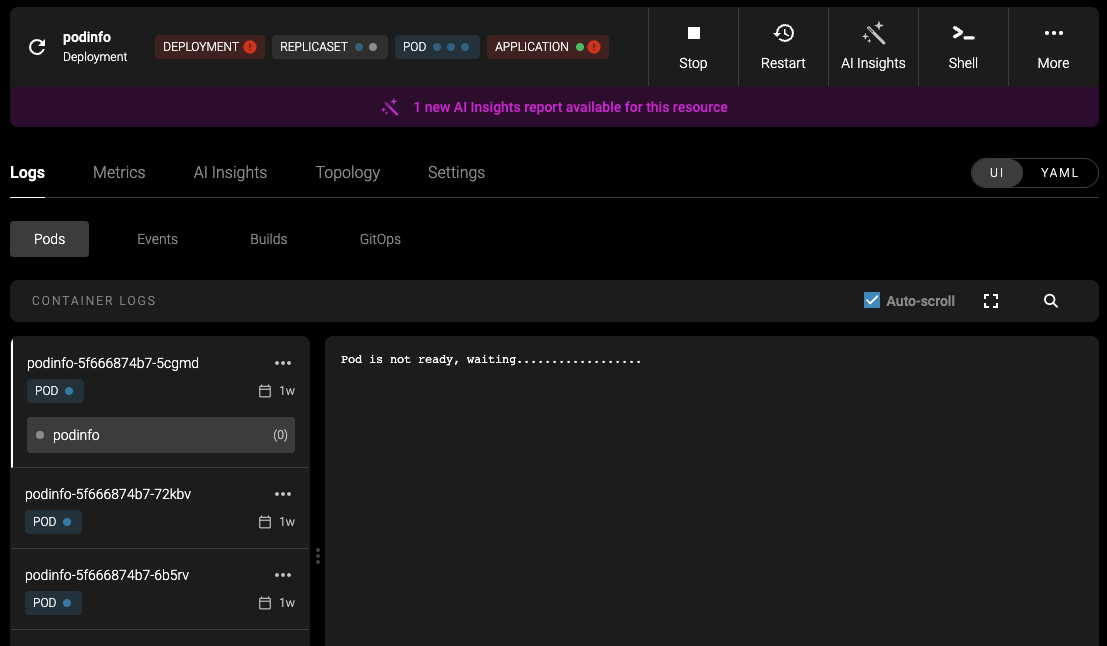
- Summarizes the issue
- Explains why it happened
- Proposes a solution
- If approved by a human, applies the solution
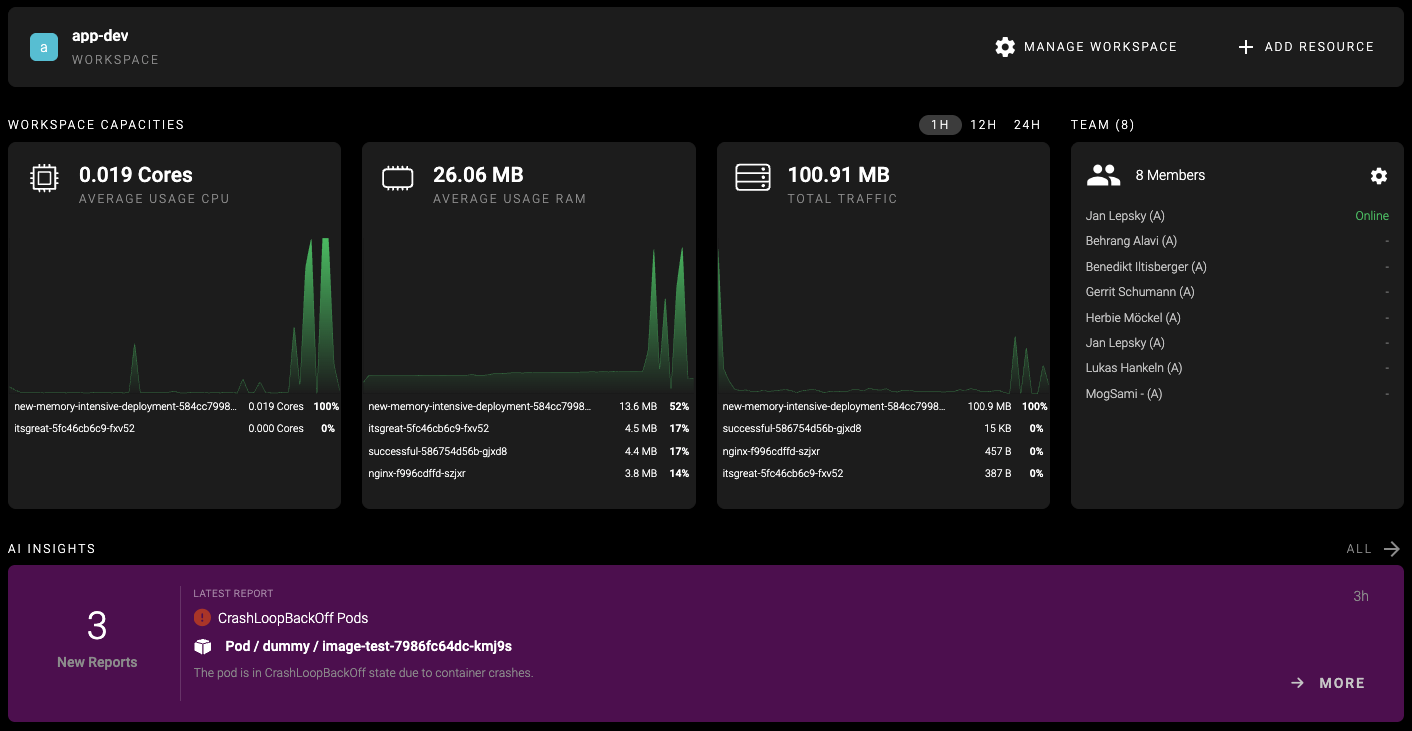
AI Insights requires a connected AI model. If you haven’t configured one yet, see AI Setup.
How It Works
AI Insights operates based on event and status processing in the mogenius operator. It uses filters to define which events it should track. When an event occurs (e.g., a Pod enters aCrashLoopBackOff state), the agent launches an analysis. Depending on the error type, it automatically retrieves the necessary logs, events, and manifests from your cluster to understand the issue.
The agent uses the tools configured in AI Setup to gather context — including Kubernetes resources, Helm releases, and GitHub repositories if connected. When a Memory Repository is enabled, the agent can also reference knowledge from previous analyses to provide more accurate diagnoses.
It then generates a detailed report explaining the root cause and offers step-by-step solutions within mogenius.
Accessing the Reports
All reports are stored locally on your cluster and assigned a status to indicate their progress:- Pending: An event triggered the AI agent and is queued for processing.
- In progress: The agent is currently generating the report.
- Completed: The report is finished and ready for review.
- Ignored: The report was dismissed by a user and won’t be shown on dashboards or resource pages.
- Resolved: The proposed solution was accepted and the issue resolved.